
We Tried Out Aldi’s New Checkout-Free Aldigo Store

Back in April of 2024, tech company Grabango announced that it was partnering with Aldi to deploy “checkout-free shopping at a Chicago-area grocery store.” Grabango explained that Aldi was “the first major U.S. grocery retailer to deploy checkout-free technology in an existing, full-size store” using a combination of cameras above the shopping area and artificial intelligence.
It’s the third pilot of checkout-free technology by the two Aldi companies, and the first in the United States. Aldi Süd — the same Aldi that operates Aldi US — opened a checkout-free store in London in 2021, while Aldi Nord launched the tech in the Dutch city of Utrecht in 2022.
Needless to say, when we heard about the Chicago-area store, we knew we had to see it for ourselves. In early July of 2024, we made the trek to the Windy City to try out the technology.
Prepping for the Trip:
According to what Grabango had said in its press release, shoppers at the store could either pay at one of the Aldigo kiosks or through a conventional checkout lane. In addition, the Aldigo kiosks offered two methods of payment, either app or credit / debit card. Wanting to get the full Aldigo experience, we downloaded the Grabango app (available on Google Play and the Apple App Store).
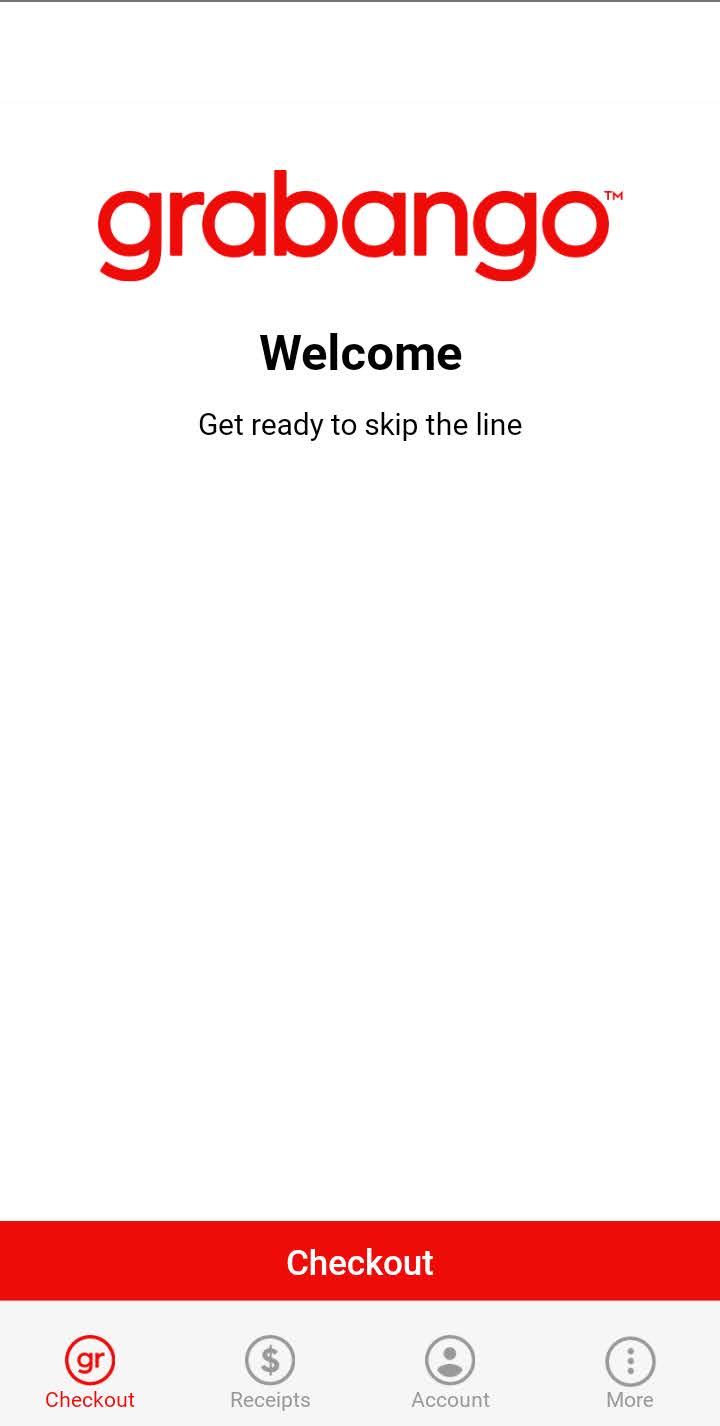
Setting up the app required us to create an account and connect a method of payment to the app, all of which we did before we departed for the store.
Dropping In:
The Aldigo store is located on 2275 West Galena Blvd. in Aurora, Illinois. Aurora is a bustling suburban community with a current population of around 175,000, making it the second-largest city in Illinois. This store, one of three located in Aurora, sits about 10 miles southwest of Aldi’s corporate headquarters in Batavia, Illinois, and roughly 45 miles west of downtown Chicago.
We arrived at the store around 2:30 p.m. local time on a Friday that also happened to be the day after July 4th. Things were relatively quiet — we saw only a handful of customers in the store at that moment.
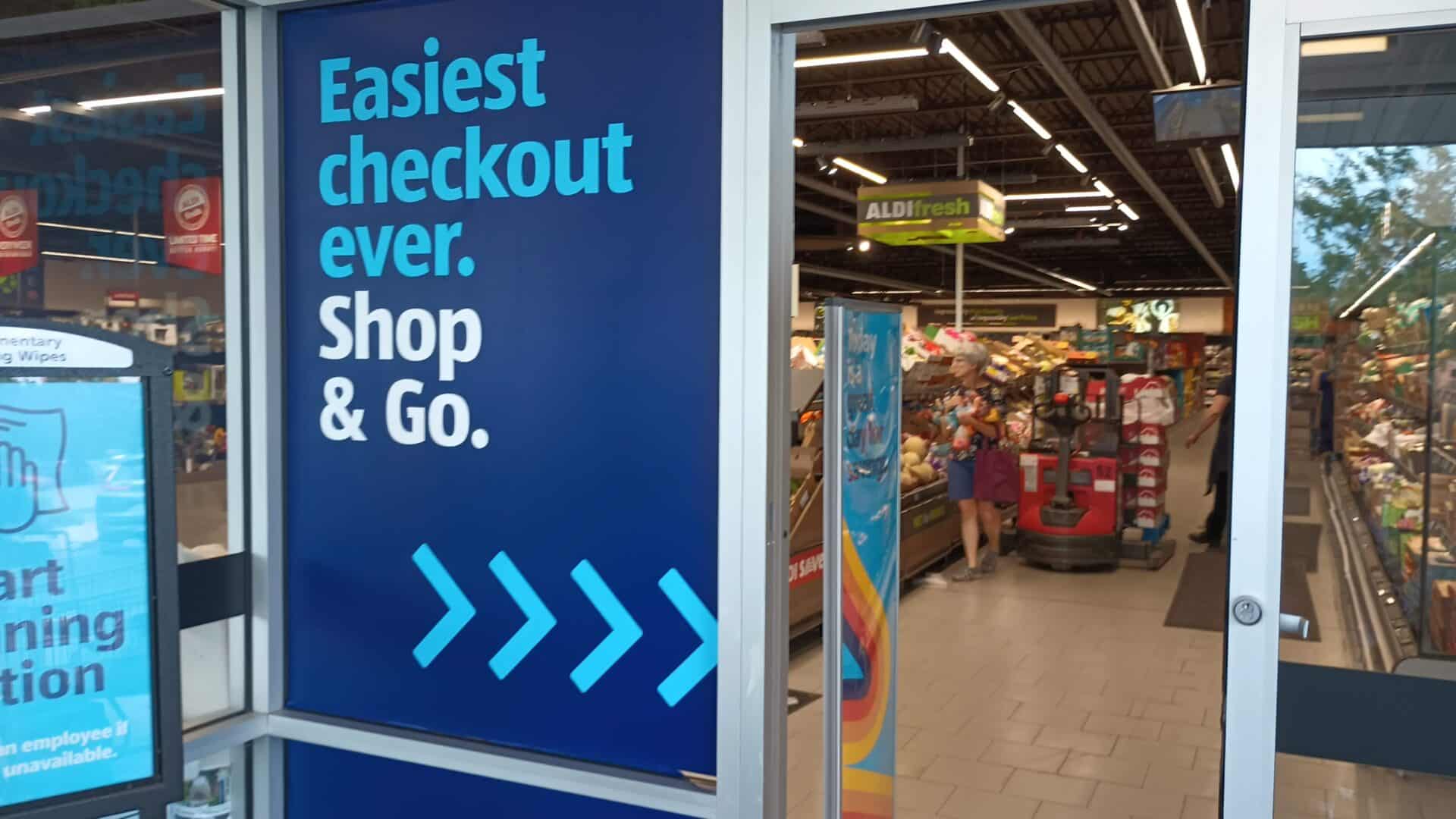
As we walked in, we could see the area where two Grabango kiosks were located. Beyond that, there were five traditional checkout lanes, three of them staffed at the time. There were, notably, no self-checkout stations like you now see at most Aldi stores.

I should mention here that it’s a beautiful standalone store befitting its status as an Aldigo pilot. The footprint is on the larger end of Aldi stores we’ve ever seen, with five aisles, a robust dedicated produce section, and plenty of shelf space. We also found it to be clean and modern, with elegant displays.

Our task was to pick up a few items for simple breakfast sandwiches to make during our trip. To that end, we picked up three items for our stop and placed them in our shopping cart:
- Simply Nature Graintastic Organic Bread
- Goldhen Eggs
- Happy Farms Colby Jack Cheese Slices
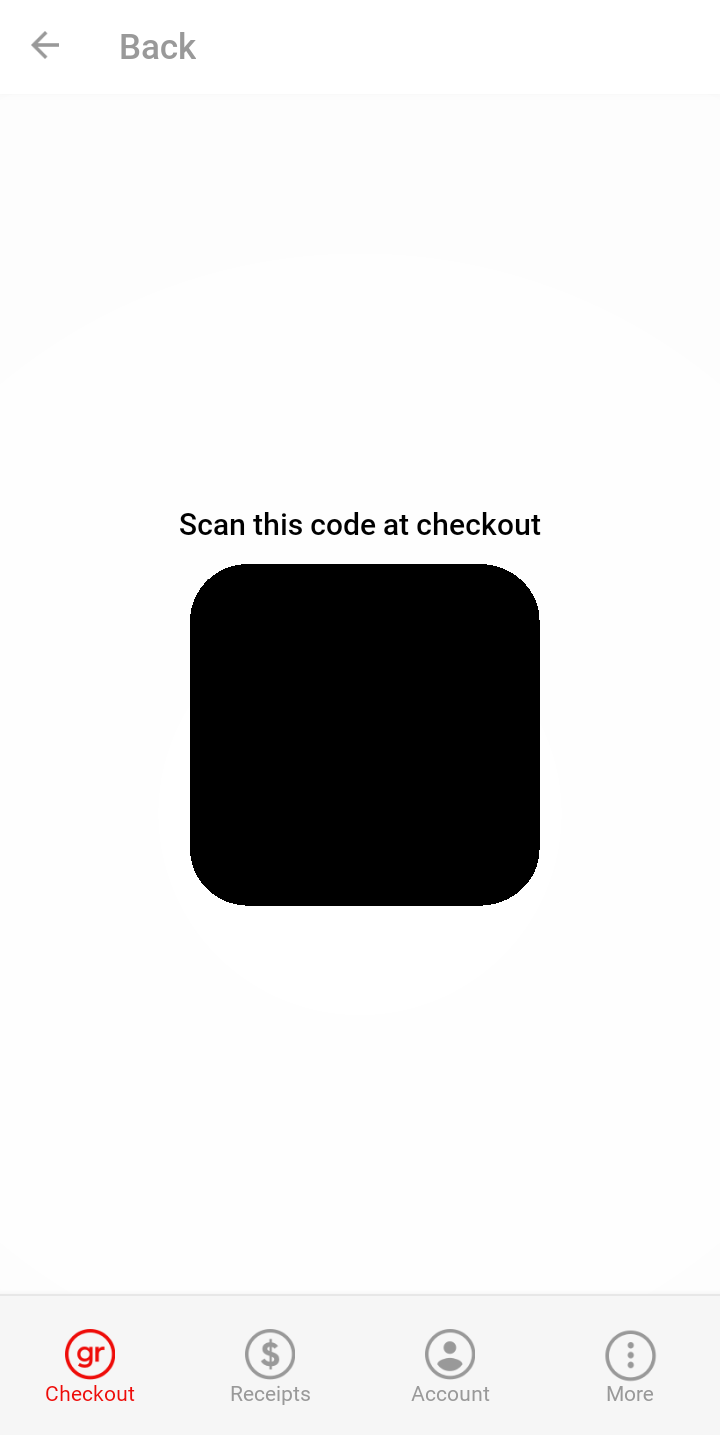
As we finished shopping, I took a look at the app. On the main screen there is a checkout button that, when you click, first asks if you have any alcohol. If the answer is no, then it takes you to a screen with a QR code.
With our three items in our cart and the app open on my phone, we proceeded to the checkout, heading straight to the Grabango kiosks. There were two workers in red Aldigo shirts standing next to the kiosks — I’m not sure if they were Aldi staffers or Grabango employees — who were helping people who wanted to use the kiosks.

The line moved pretty quickly. As you would expect, it’s a lot faster when you don’t have to scan your groceries. When it was our turn at the kiosk, the worker asked me if I’d used Aldigo before and asked if I had the app. I told him that I had not used it before but that I did have the app set up.
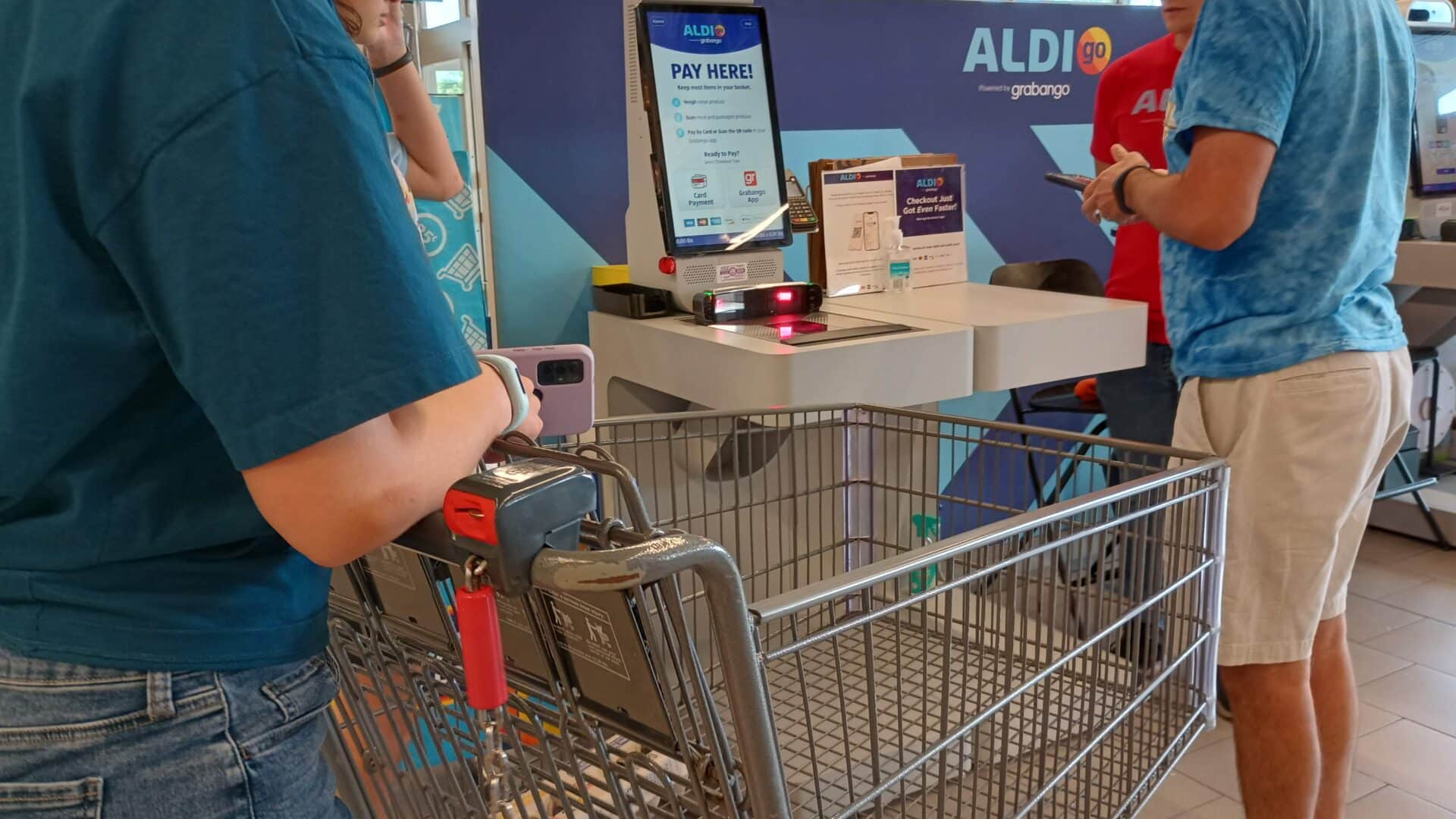
He said that all I had to do was pull up the QR code on my phone, turn my phone face down over the scanner, and the kiosk would do the rest.
The screen noted that certain Aldi items might need additional attention. It said that loose produce needed to be weighed. It also said that any meat and packaged produce needed to be scanned at the kiosk. Neither of those applied to our purchase.

With the QR code pulled up, I flipped the phone over, and the screen changed right away to a notification that the order was processing.

A few moments later, a screen appeared saying that I had successfully checked out. Just like that, I was done, without doing a single thing with any of the items in my cart. It was, far and away, the fastest grocery checkout I’ve ever had in my life.

Curiously, the kiosk did not display any kind of item list or price total, and it didn’t print any kind of receipt. In addition, the Aldigo worker advised us that it would take about 30 minutes for the receipt to appear on the app.
This, I have to admit, made me a little uneasy. What if something was charged inadvertently? One person in our traveling group, for instance, had picked up a water bottle while I was in the checkout line before putting it back on the shelf. Would the cameras pick up all of that correctly?
There was also the other question of how we would get a receipt after using the kiosk if I didn’t have the app. I don’t know and didn’t ask.

Regardless, we didn’t have 30 minutes to sit around and wait for the receipt to appear on our app, so we had to trust fate and get back on the road. As my wife drove us out of the parking lot, I checked my credit card app and saw it had placed a temporary $20 charge on my credit card, presumably as a placeholder until the actual cost of the transaction was finalized.
I put the app aside to help us navigate to our destination. I next refreshed the receipt around 3:30 p.m., about 45 minutes after I scanned my phone over the kiosk. As the worker had promised, I had a full receipt waiting.

You’ll notice that the receipt has two items on it. We bought three. The cameras failed to capture the package of Colby Jack sliced cheese that I’d pulled off the shelf and placed in the cart next to the bread and eggs. Keep in mind that we didn’t do anything complicated. Because we had just three items, they were placed side by side in the cart. It wasn’t a large grocery purchase like we would have made during a normal Aldi run at home.
Had we been in the parking lot when we discovered this, we would have gone back in and made sure we paid for the one item we weren’t charged for. However, because of the gap between the time we left the store and the time our receipt showed up on the app, we were well down I-88, too far away to go back given our time constraints.
The app does have a contact page, and I reached out to Grabango support, explaining that I was not charged for one item. (I did not identify myself as a writer, just a simple customer.) Support replied about 30 minutes later, telling me that they would note it in their internal logs but that I otherwise did not need to do anything. “Thank you for the information,” the email concluded, “and enjoy the cheese on us.”
What if the opposite had happened, if we’d had something extra on our bill? We did notice that if you click on items on the app, it has a button to request a refund of items erroneously added.

Closing Thoughts:
It was quite the experience visiting the Aldigo store in the western Chicago suburbs. The store — which is itself a beautiful flagship store for the checkout-free pilot — offers a way to pay for groceries that is different than anything we’ve ever experienced. A shopper can simply put items in the cart, go to the Aldigo kiosk, pay by app or card, and then go. We paid by the app and found it straightforward to use. And it’s fast, easily the fastest grocery checkout process we’ve ever seen.
The process wasn’t without some hiccups. The kiosk didn’t show any kind of itemized list or print a receipt. Instead, the receipt was sent to the app, but there was a significant — and, according to the workers, expected — delay of at least 30 minutes between the time we scanned at the kiosk and the receipt appeared in the app. It’s not clear how a person paying by card would get a receipt.
What’s more, in our case, one of the three items we put in the cart didn’t show up on our final receipt, despite it being a small and simple order.
In fairness, though, this is still brand new technology. We’re mindful of the fact that this is a pilot store using tech that has been in public operation for less than three months. Aldi is doing this at one store because it’s trying to get it right, not because it is right. We figure it will only get better with time.
We should also emphasize that Aldigo isn’t the only way to pay at the store. While there is no self-checkout, there are traditional checkout lanes with Aldi workers for those who prefer to check out that way.
In short, while we don’t think Aldigo is quite ready for prime time just yet, it’s still promising technology, even at this early stage. We suspect that once it’s fully fleshed out, a lot of customers are going to like it, especially compared to self-checkout.
And if they don’t? There are still checkout lanes with human workers ready to help.




Amazon Fresh has that feature and has had it over a year. It charged me for something I touched but didn’t put in my basket. Had to call them to get it fixed. Too much trouble!
Earlier this year, reports surfaced that Amazon Fresh was pulling its Just Walk Out feature from stores. We’re not sure if that’s come to pass yet or not. We know of a few other establishments that are experimenting with the technology.
We got self-checkouts in our area, the set up is not imo friendly, confusing and people have problems slowing down lines. I will not use them for several reasons. They take away jobs that people need. Takes too long to get receipt. If you scan items, there is some problem, things freeze, don’t register what you scanned. The walk through that was shown here, I don’t trust to be truthful with what is registered that you may or may not have bought.
I have heard in some areas, many stores regret having the self-checkouts for many reasons.